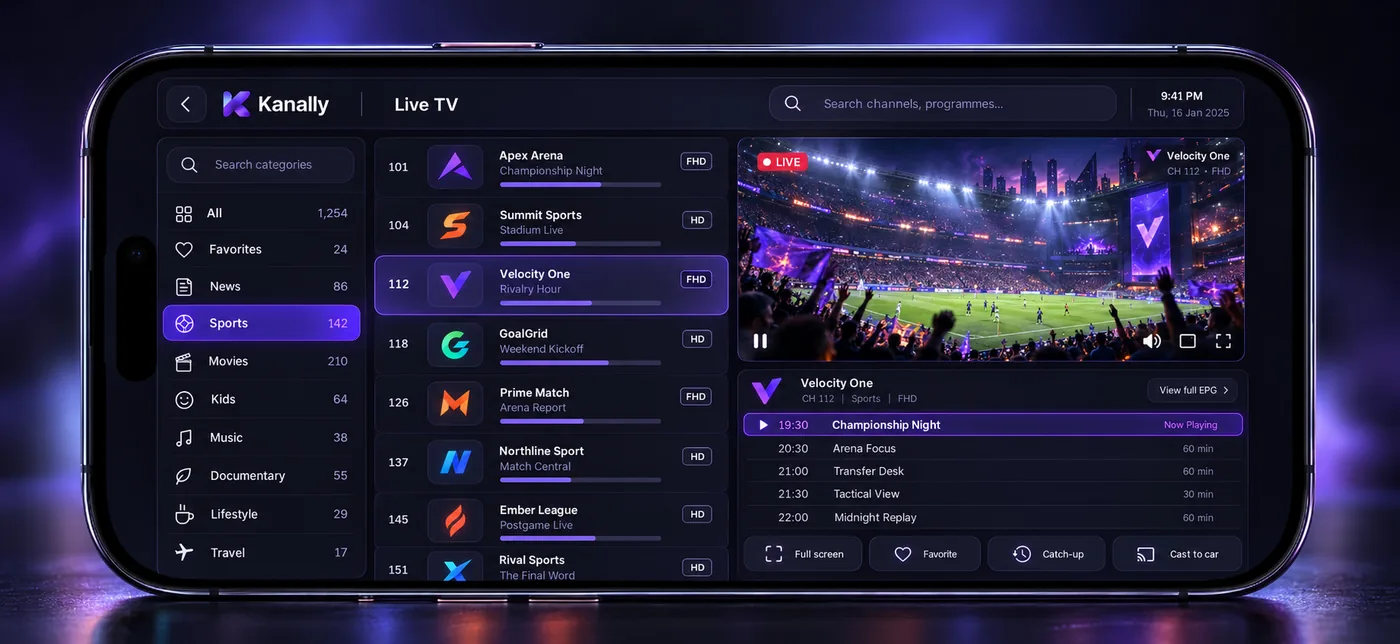
Live TV
Channels organized by category, favorites and search.
Browse big lists smoothly. See what is on now and next beside the stream, and rename or renumber channels your way.
IPTV player · iPhone, iPad, Mac, Apple TV
Kanally is a player for your own M3U or Xtream playlist. Live TV, movies and series, with a TV guide, catch-up, multi-screen and car-screen mirroring.
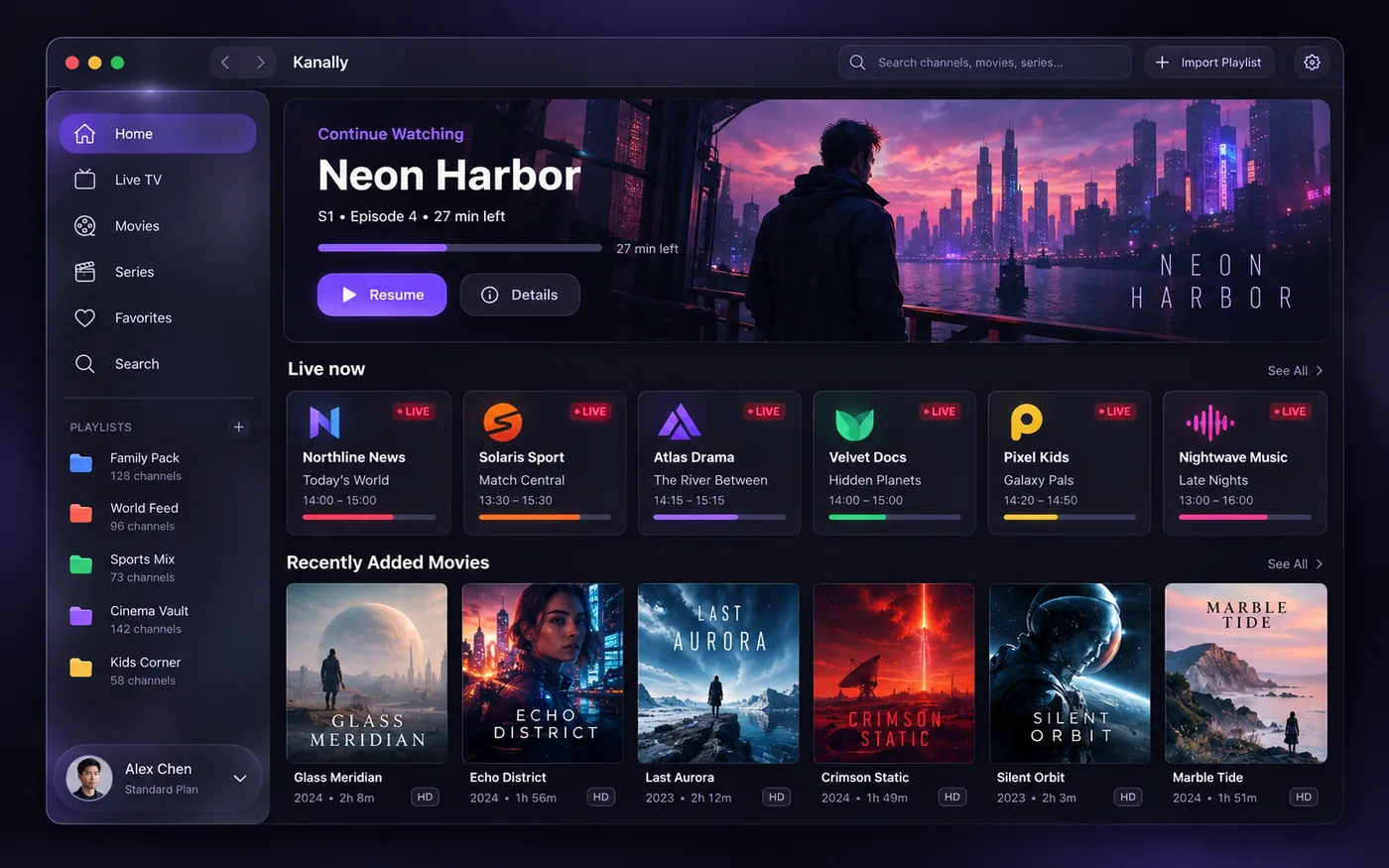
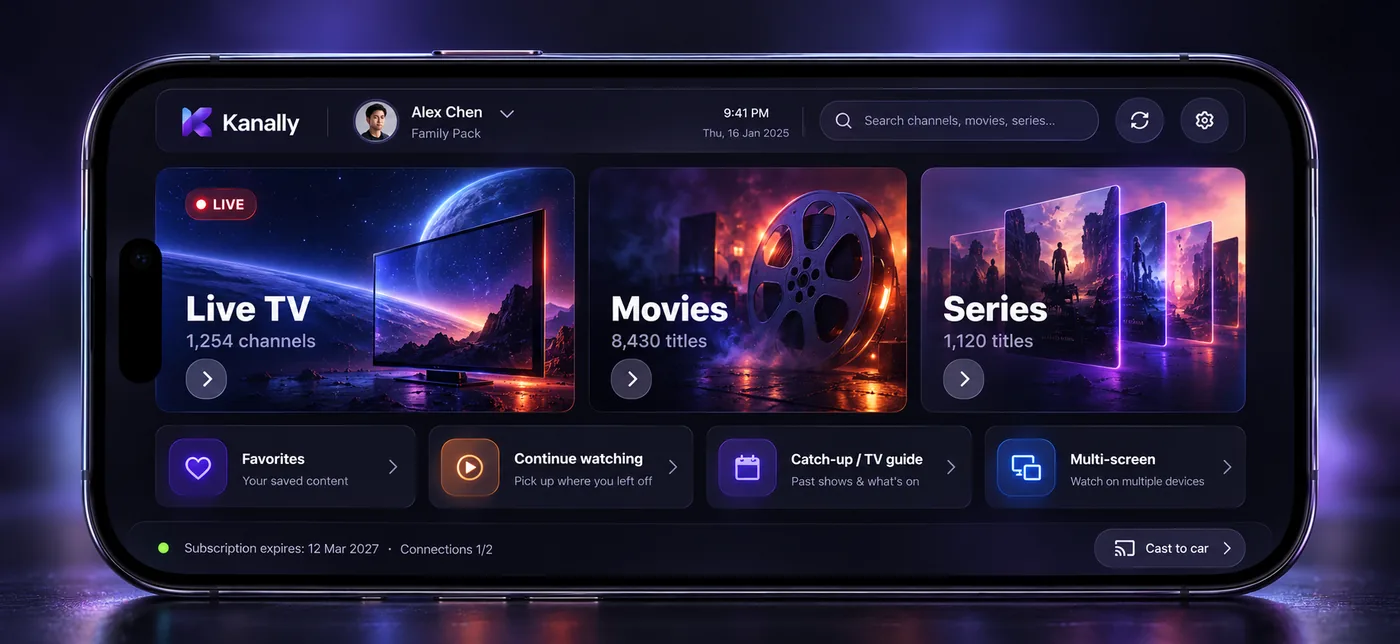
On every screen you own
Browse big lists smoothly. See what is on now and next beside the stream, and rename or renumber channels your way.
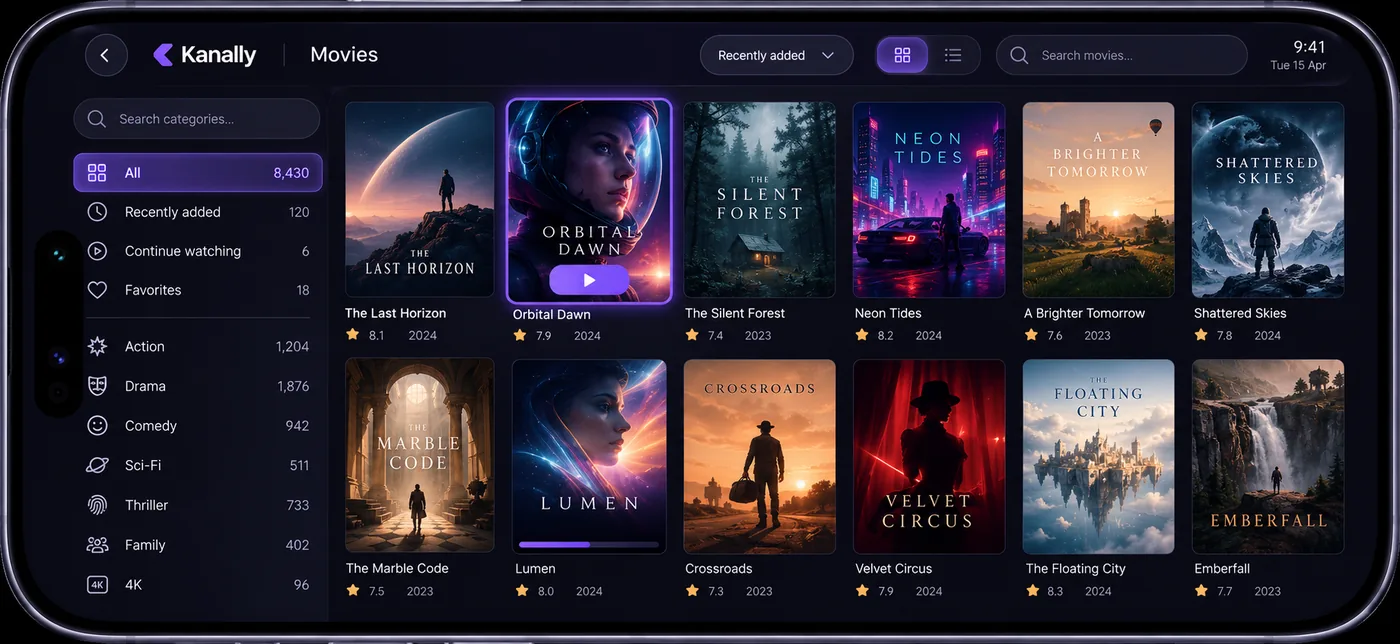
Filter by category, year and rating. Movies in your playlist sit on a poster wall, with a detail page for synopsis, cast and quality.
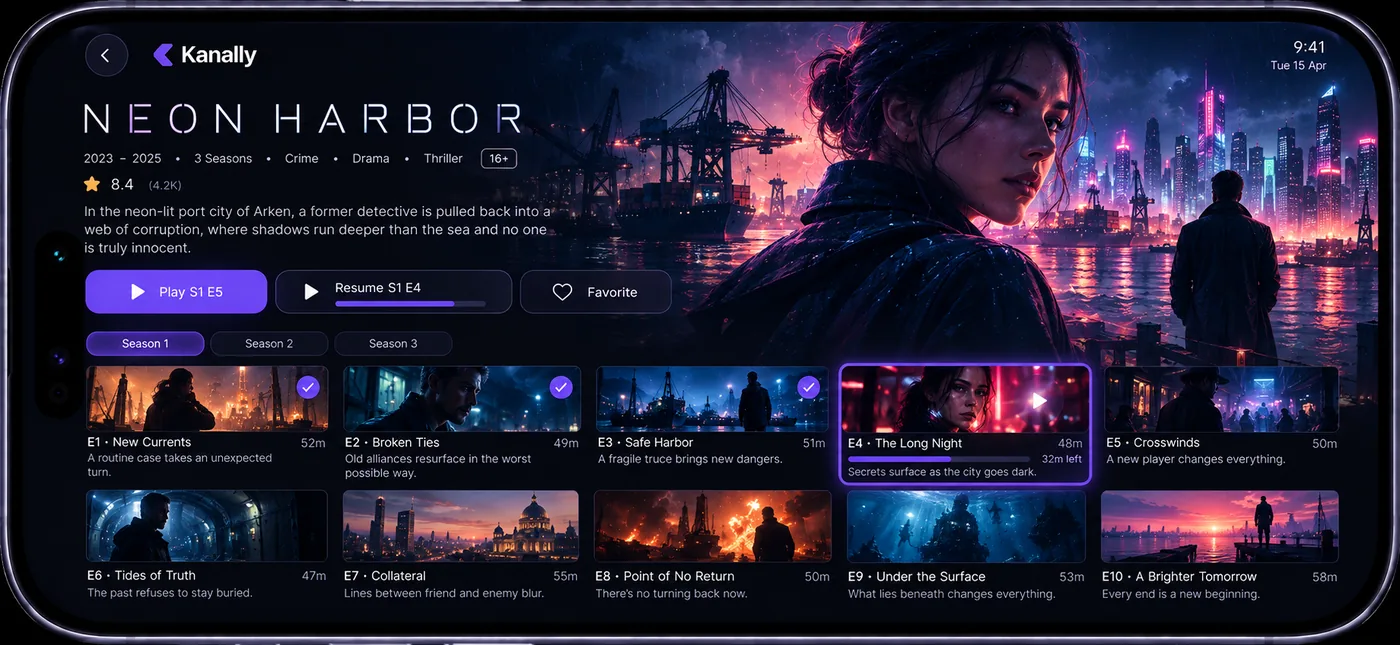
Watch progress is kept per episode. Close the app, come back, and resume from the same minute.
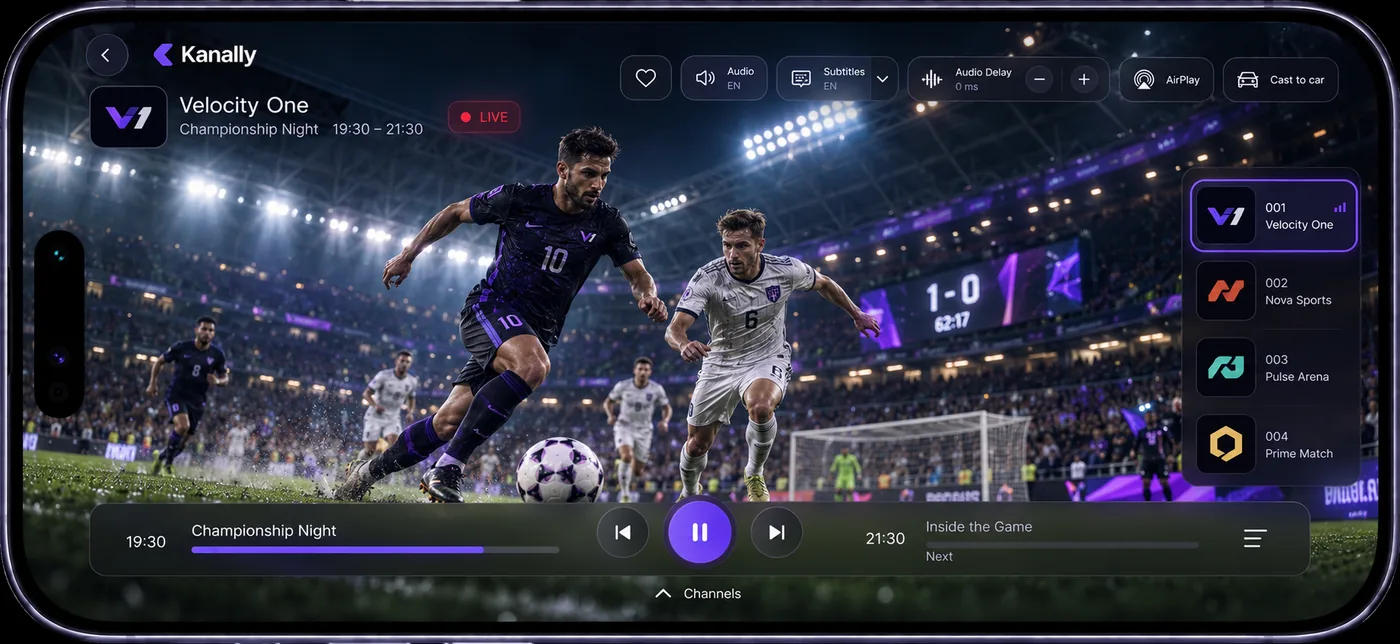
Audio and subtitle tracks, quick channel switching, AirPlay. You can also open a stream in VLC or Infuse.
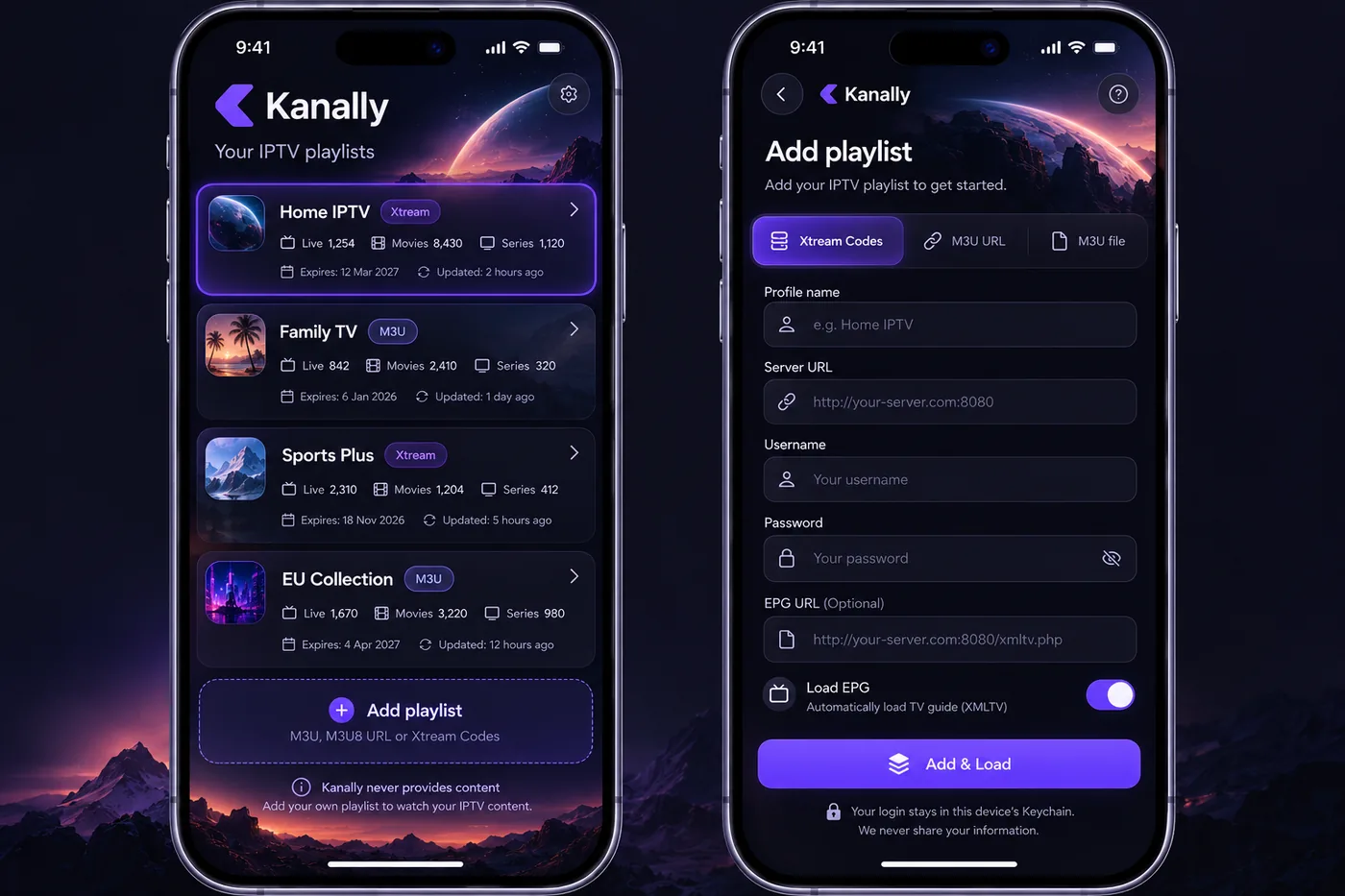
Enter a link or server details and add a guide address (XMLTV). Keep several playlists and profiles.
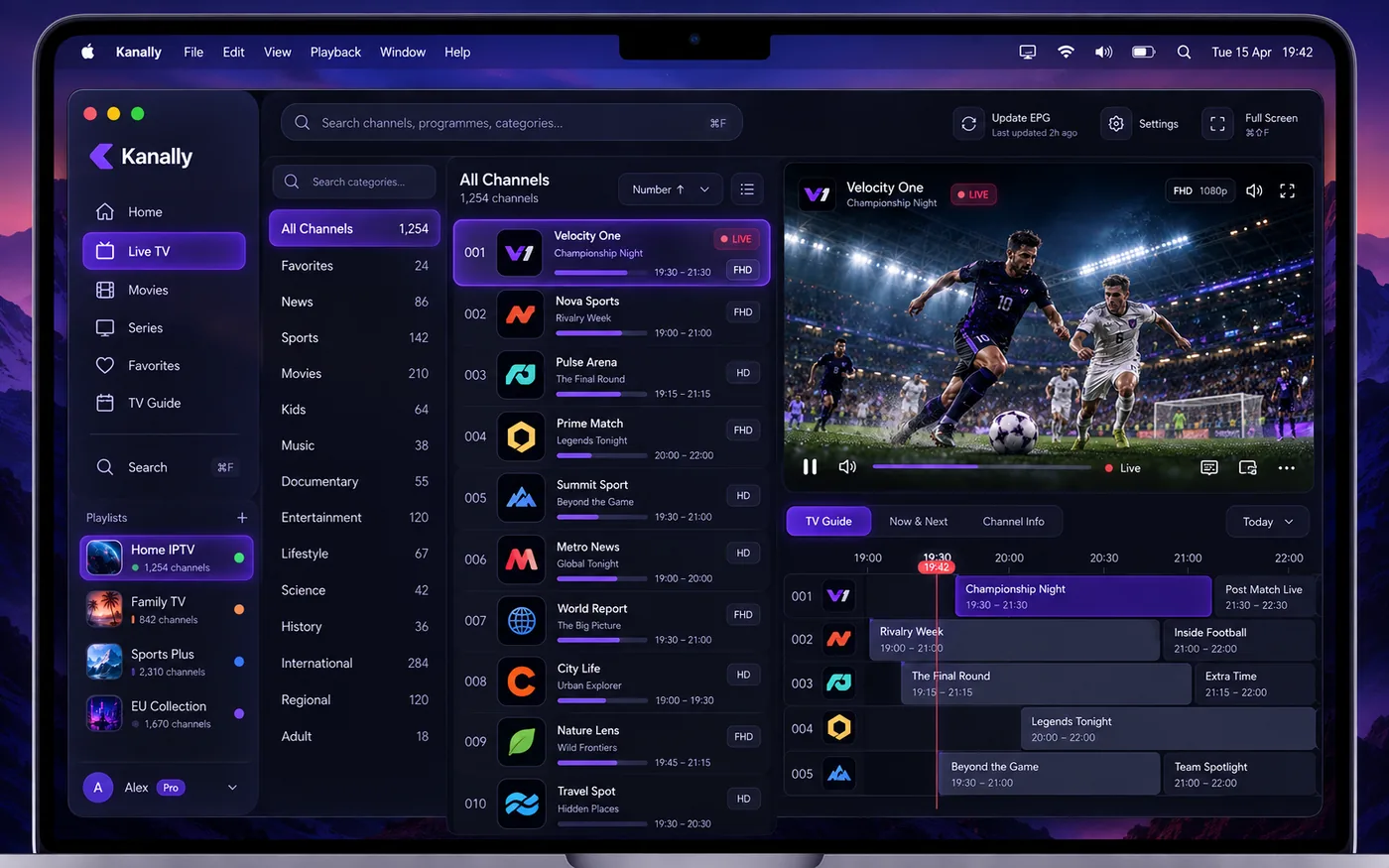
The Mac app is built for the desktop: sidebar, keyboard shortcuts, TV guide and player in one window.
Features that earn their place.
M3U, M3U8 and Xtream Codes are supported.
XMLTV shows what is on now and next on a timeline.
Restart programs if your provider keeps an archive. (Pro)
Watch two channels side by side, one with sound.
Kids profile and an 18+ lock; favorites per profile.
Pin what you watch most to the top in one tap.
Jump back in from your home screen.
Mirror to AirPlay-compatible screens. (Pro)
Category: Photo & Video

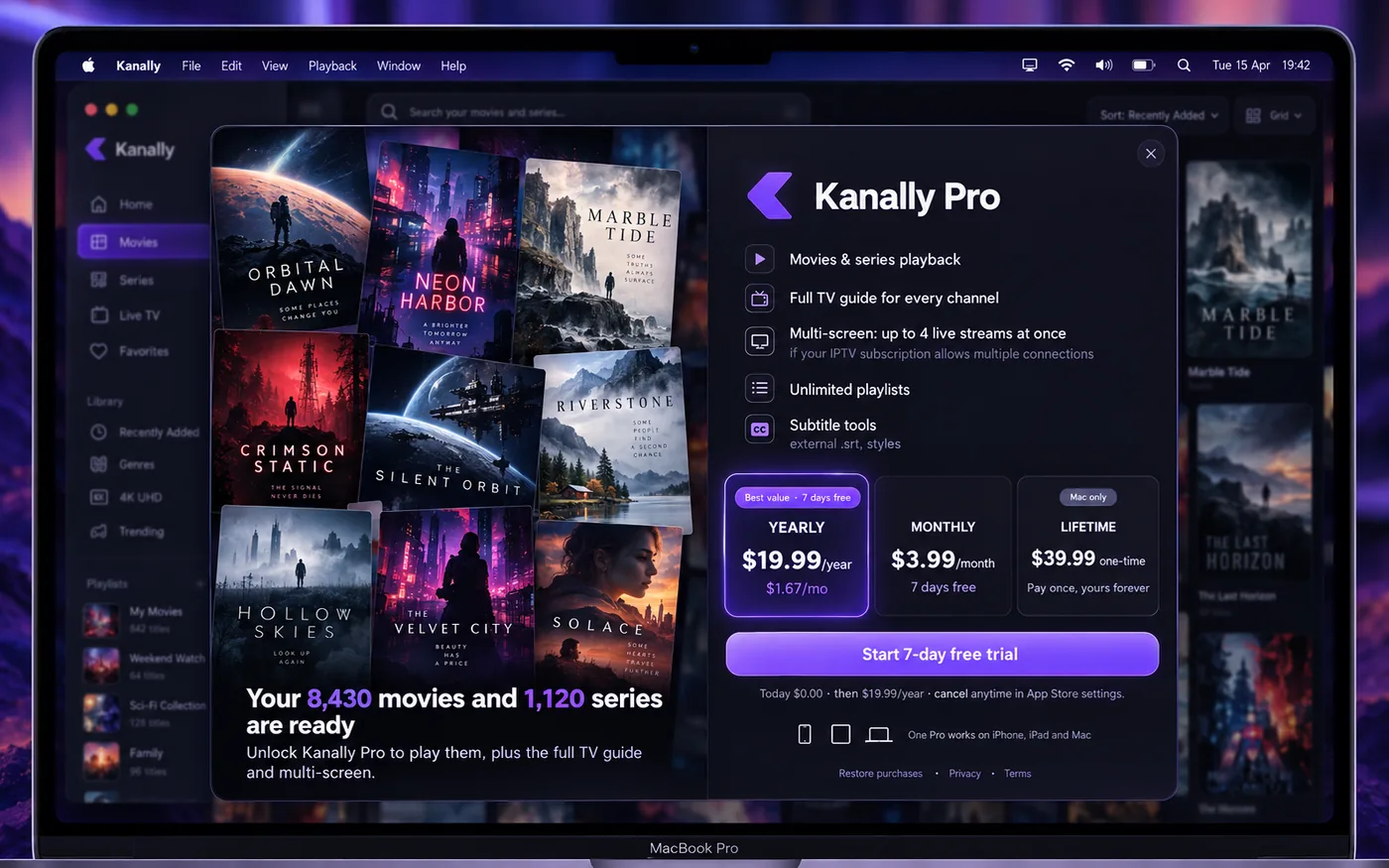
The free version does the job. Pro makes the app comfortable, uninterrupted and yours.
Parked, play on an AirPlay-compatible car screen.
Keep listening with the screen off or in another app.
Watch without interruptions.
Watch channels side by side.
Open a missed program from your provider's archive.
Movies and episodes in your pocket.
Every channel, hour by hour.
Everyone gets their own list and favorites.
Hear about your team before kick-off.
Paint the app in your own color.
| Feature | Free | Pro |
|---|---|---|
| Profiles | 2 | Unlimited |
| Interests | 1 | Unlimited |
| Ads | Yes | None |
| Car screen, multi-screen, catch-up, downloads | — | Included |
A free trial is offered on eligible plans. Prices and trial length are shown in the app, taken live from the App Store. Subscriptions are managed in your Apple Account and renew automatically unless cancelled at least 24 hours before the period ends.
No. Kanally is only a player. The app ships empty; content comes from the playlist you add. You must have the right to use that playlist.
M3U and M3U8 links and Xtream Codes (server, username, password). You can add an XMLTV address for the TV guide.
No. There is no Kanally account. Your list stays on your device, and on Mac your login details are kept in the Keychain.
Mirror to AirPlay-compatible screens. This is part of Kanally Pro. Check with your car maker whether your car supports AirPlay.
iPhone, iPad, Mac and Apple TV. One Pro subscription covers them all.
Go to Settings > your Apple Account > Subscriptions. There is nothing else to delete in Kanally.